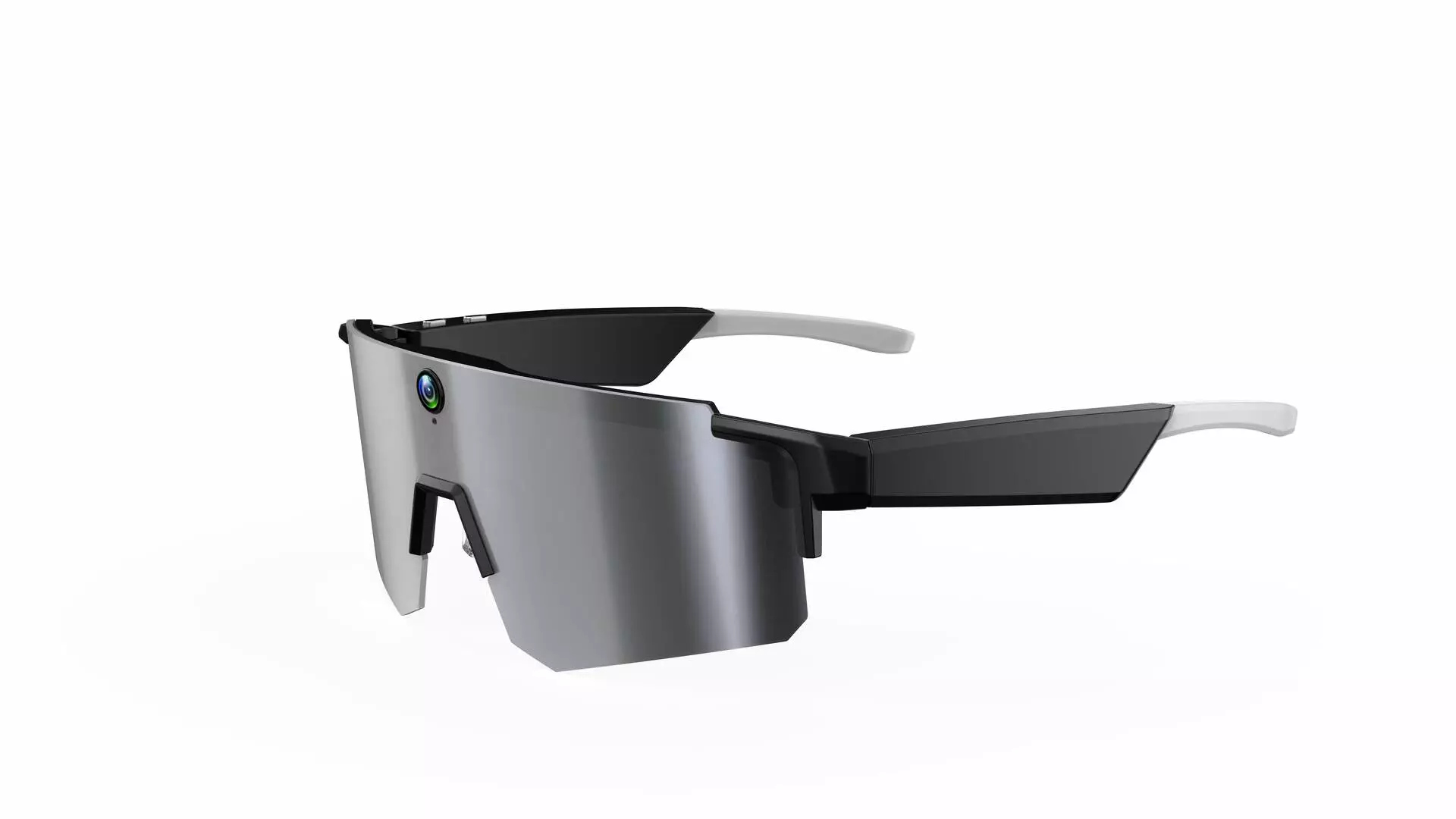
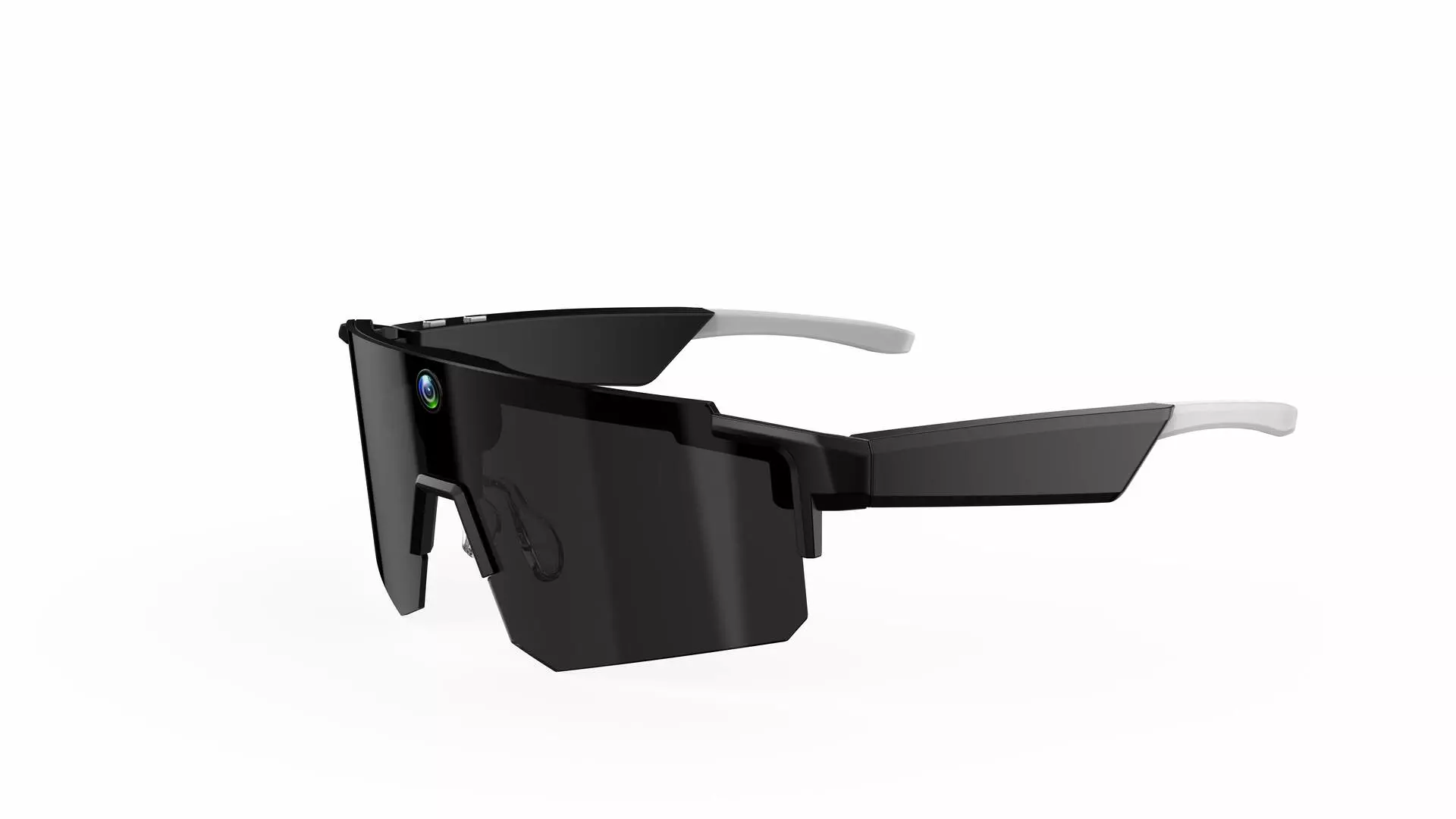
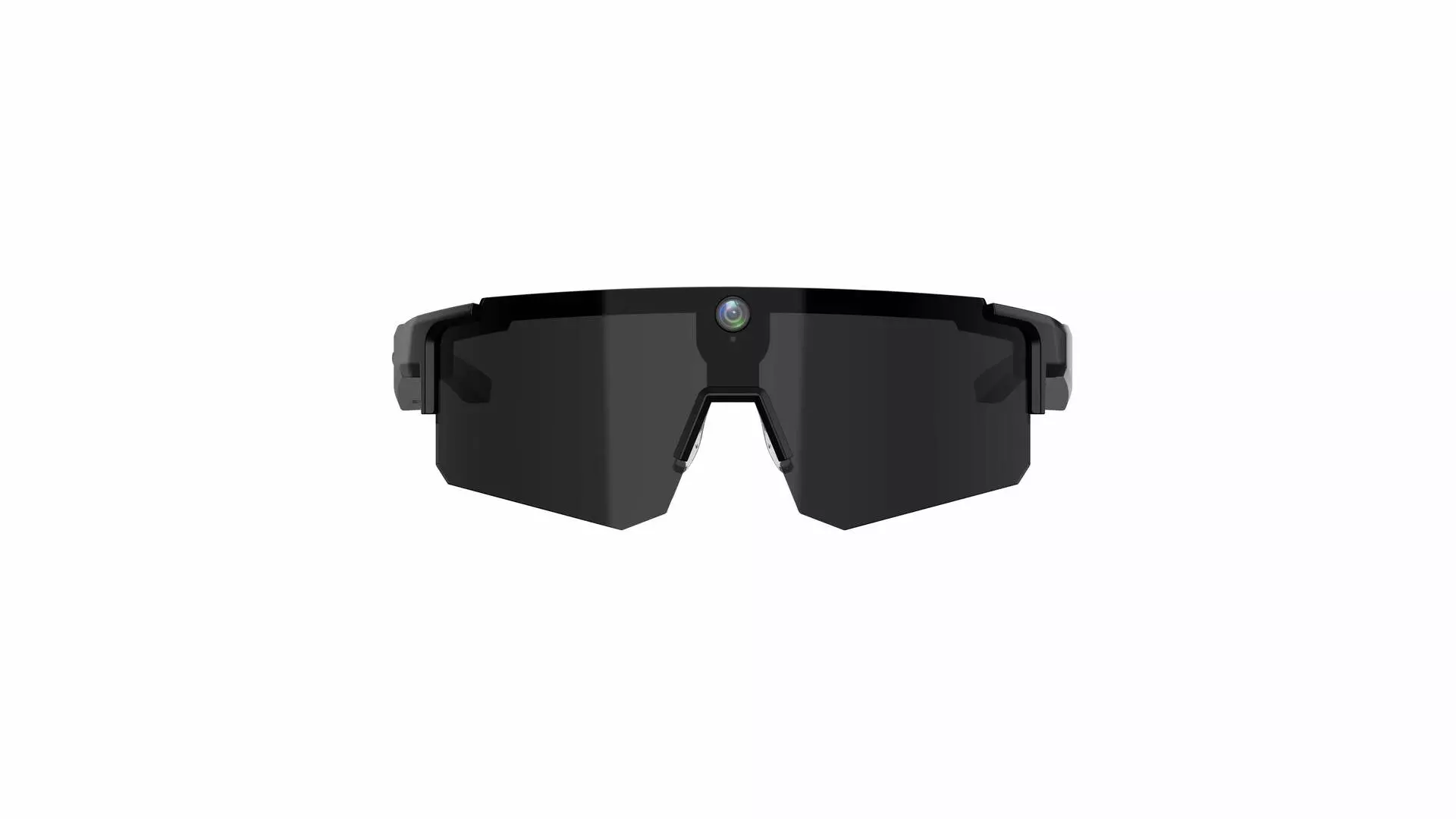
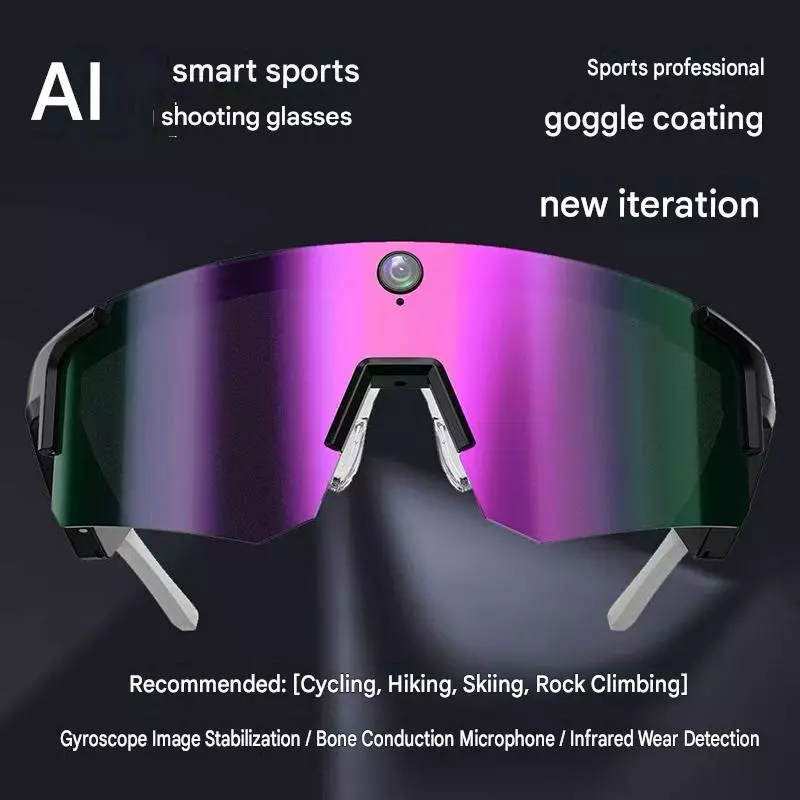
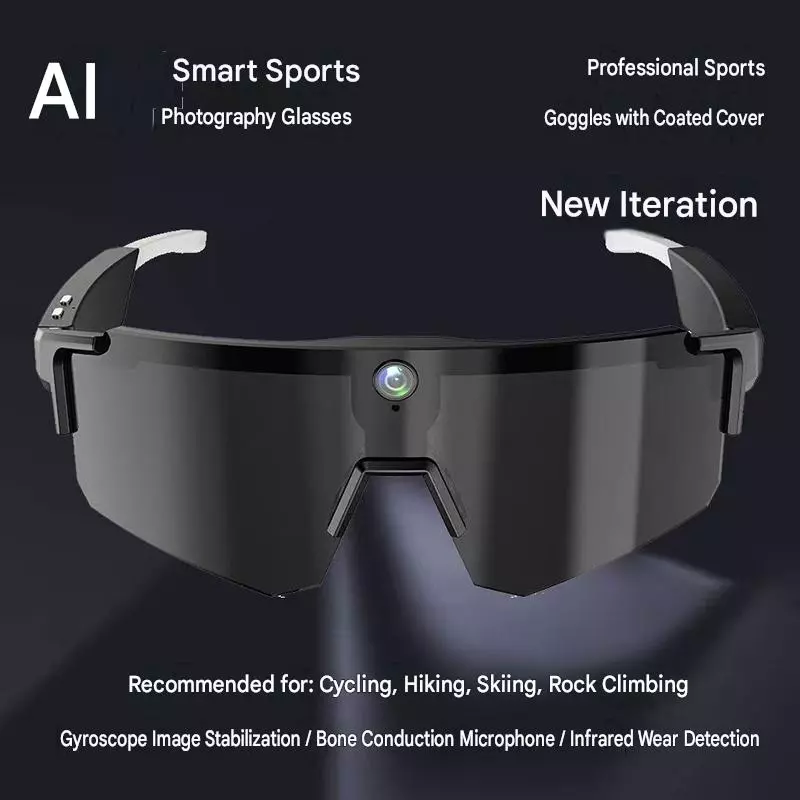
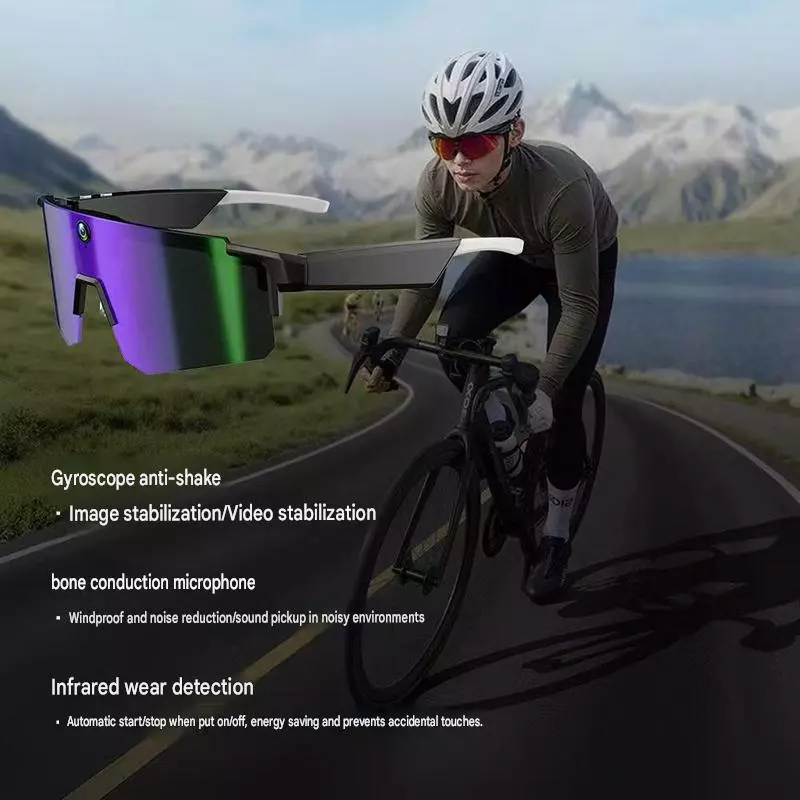
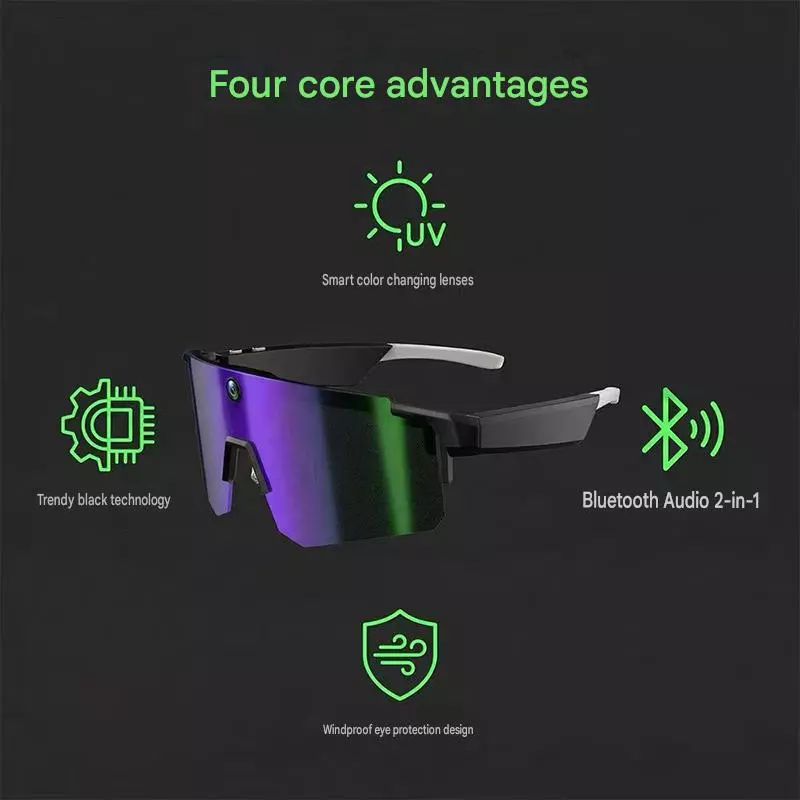
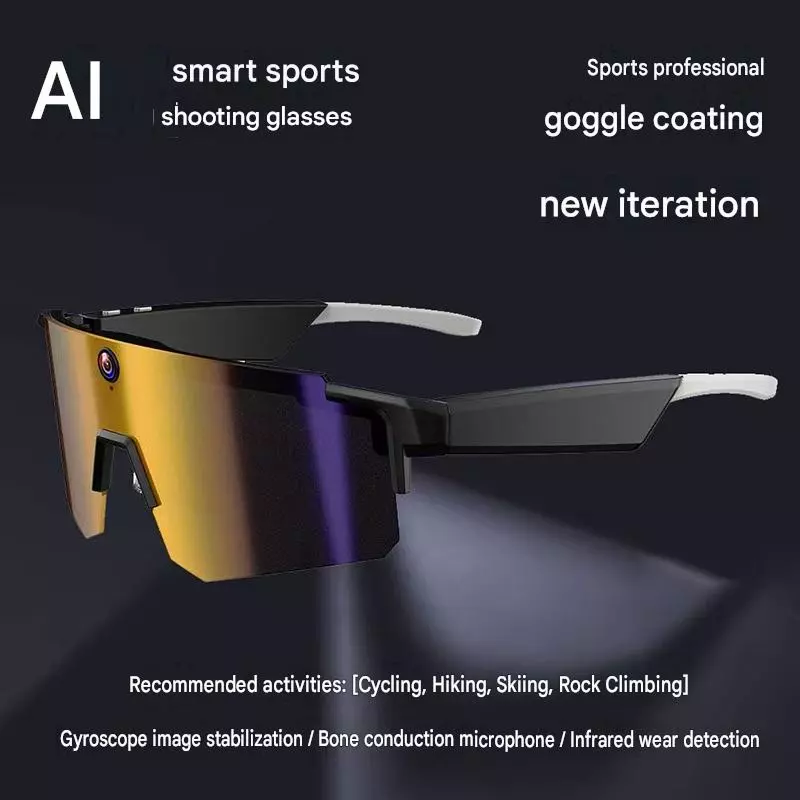
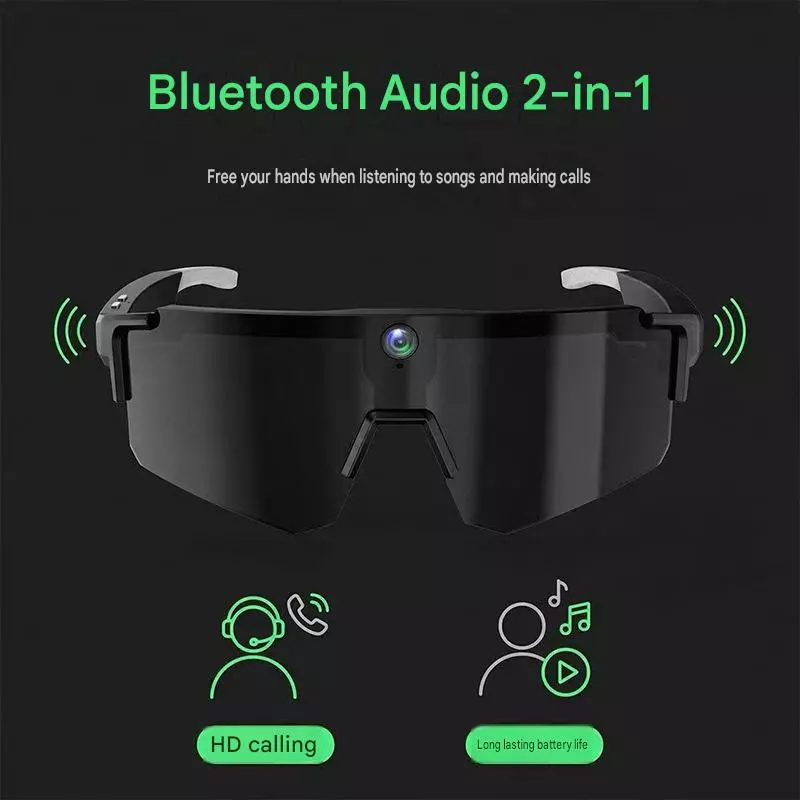
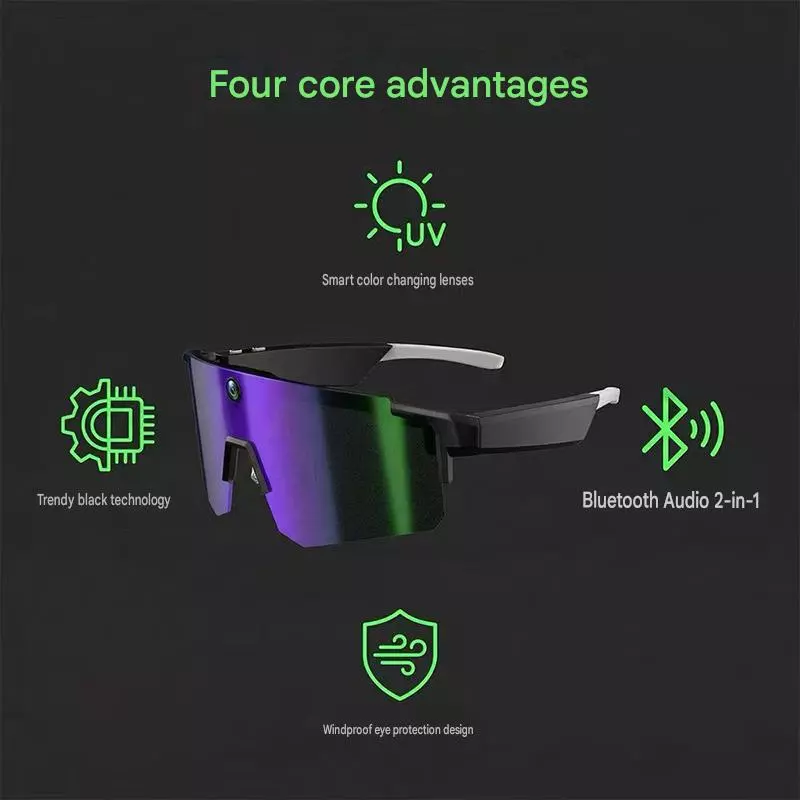
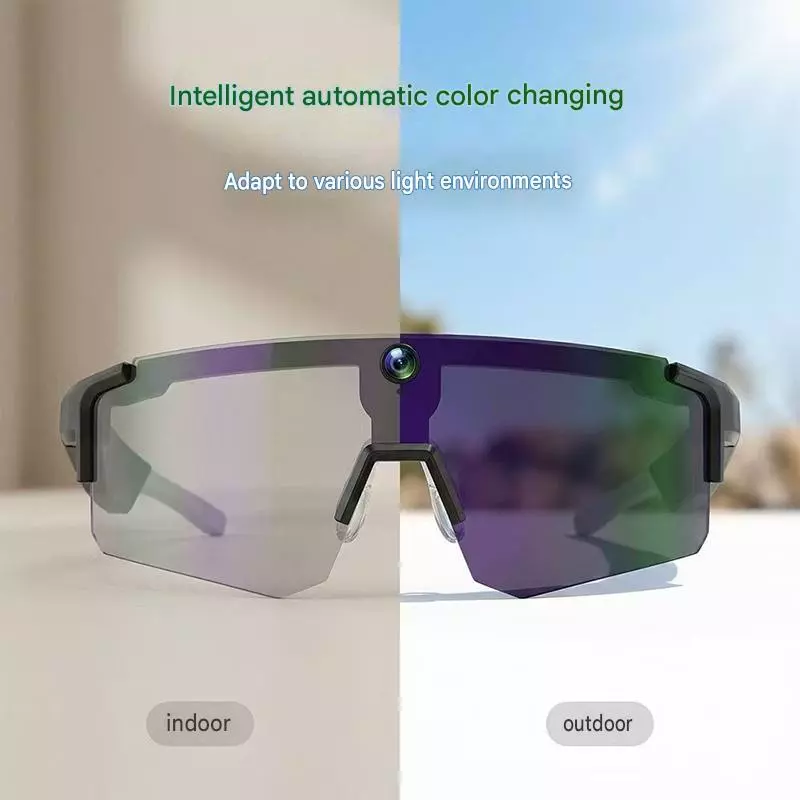
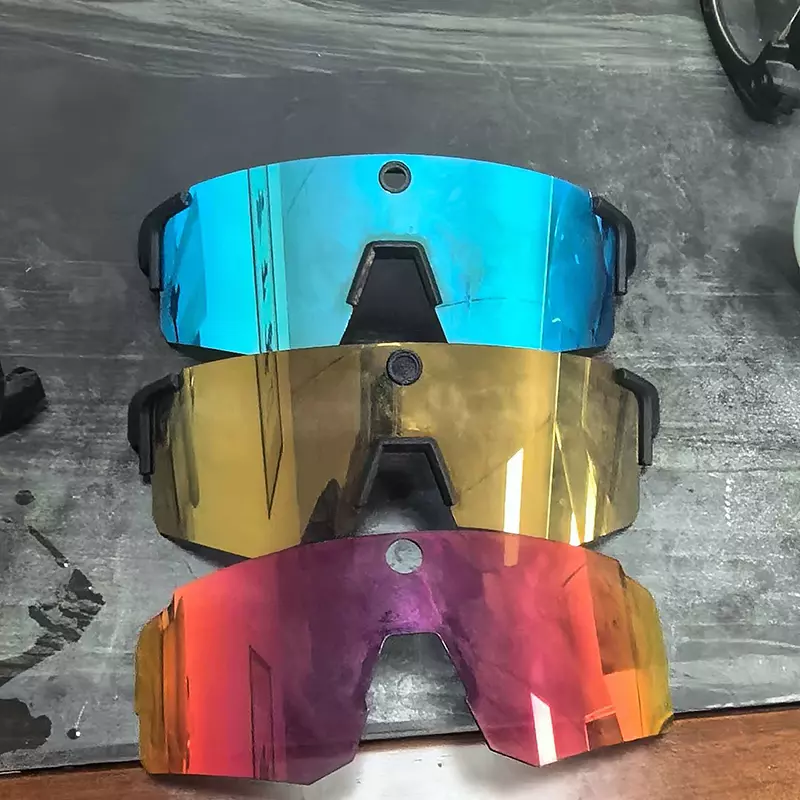
Glasses for Photography
MOQ: 10 Pieces
Delivery time: 2 Week
1. This smart glasses is a stand-alone product, many functionsmust be connected with the mobile phone before use.2. Search for~Da Echo" in the Google Play or iPhone App Store todownload and install the APP to your phone.3. You can also scan the QR code, select the correspondingsystem version to download the APP.

Product Details
- This smart glasses is a stand-alone product, many functionsmust be connected with the mobile phone before use.
- Search for~Da Echo" in the Google Play or iPhone App Store todownload and install the APP to your phone.3. You can also scan the QR code, select the correspondingsystem version to download the APP.
- (bottom button)
Cick
(power button)
Push the button farwird, power
on.
Push the button back, power aft.
Wake Uplesit Al voice assistant
Double-click
Fast image recognition bry AI
Recorcing
Long-press to start recording, andclick end recorcing in recording.
(top button)
Press and hold for 10 seconds torestore factory settings.
(touch zone)
Doublerclick the area to
Press shart to take a picture
Doublerciick to start recording. Inrecording, short press to endrecording.
incaming cal, short press toanwer, long press 2 seconds hangup. During a call, press 1 Button tohang sp.
playpause the music.
Slide formard to tur up thevolure, slde back to tur down
she valume.
Threerclick area to change the nextmusic.
Long Press to acthate/eodt MoblleVoice Assistant - 4. My glasses
1. After entering the APP, you can learn the glasses functions.
Click the icon below to view firmware information, etc.
5. Tips
1. This product supports photo and video recording, but thepower consumption is relatively high. When the battery is lessthan 10%, the device will disable the photo and video recordingfunction, and when the battery is less than 30%,the device willsuspend the transmission of data to the phone, can be returnedto use after charging.2. This product supports WiFi data transmission to the phoneand save, you need to allow the phone to use the relevantpermissions can be achieved. (please turn on WiFi beforetransferring files.)
6.DOSanddo Nots
1. Do not charge in water-stained or damp environment:2. Please use the charging cable to charge the battery3. The material of this productis soft, please handle with care,no hitting. When the product is found damaged, please payattention to safety, to avoid scratching the body.4. This product does not have waterproof function, is strictlyprohibited to let the product in the rain or soaked in water.8 This product supports photography, video function,prohibited use of this product for surreptitious photographyand other behavior, please strictly comply with local laws andregulations, the healthy use of this product.
Previous: PulseOximeter,Pulse Oximeter
Next: No More